

Marketplace Overview
Purpose: Buy, sell, and manage AI tools, templates, and processes. (Currently All Free)
Explanation: The marketplace is where you can discover pre-built AI solutions (agent processes, sentiment tools, SMS templates, campaign templates, and scripts) created by the AAI team and other users. Browse, purchase, and import tools to enhance your dealership’s AI capabilities.
When to use: Looking for AI solutions, automations, templates, scripts, selling your own tools, or managing your purchased items.
Prerequisites: Marketplace access and proper role permissions.

Quick start
Section titled “Quick start”- Open /marketplace to browse available tools and templates.

-
Use tabs to explore different categories (Processes, Sentiments, SMS Templates, etc.).
-
Click on items to view details, pricing, and features.
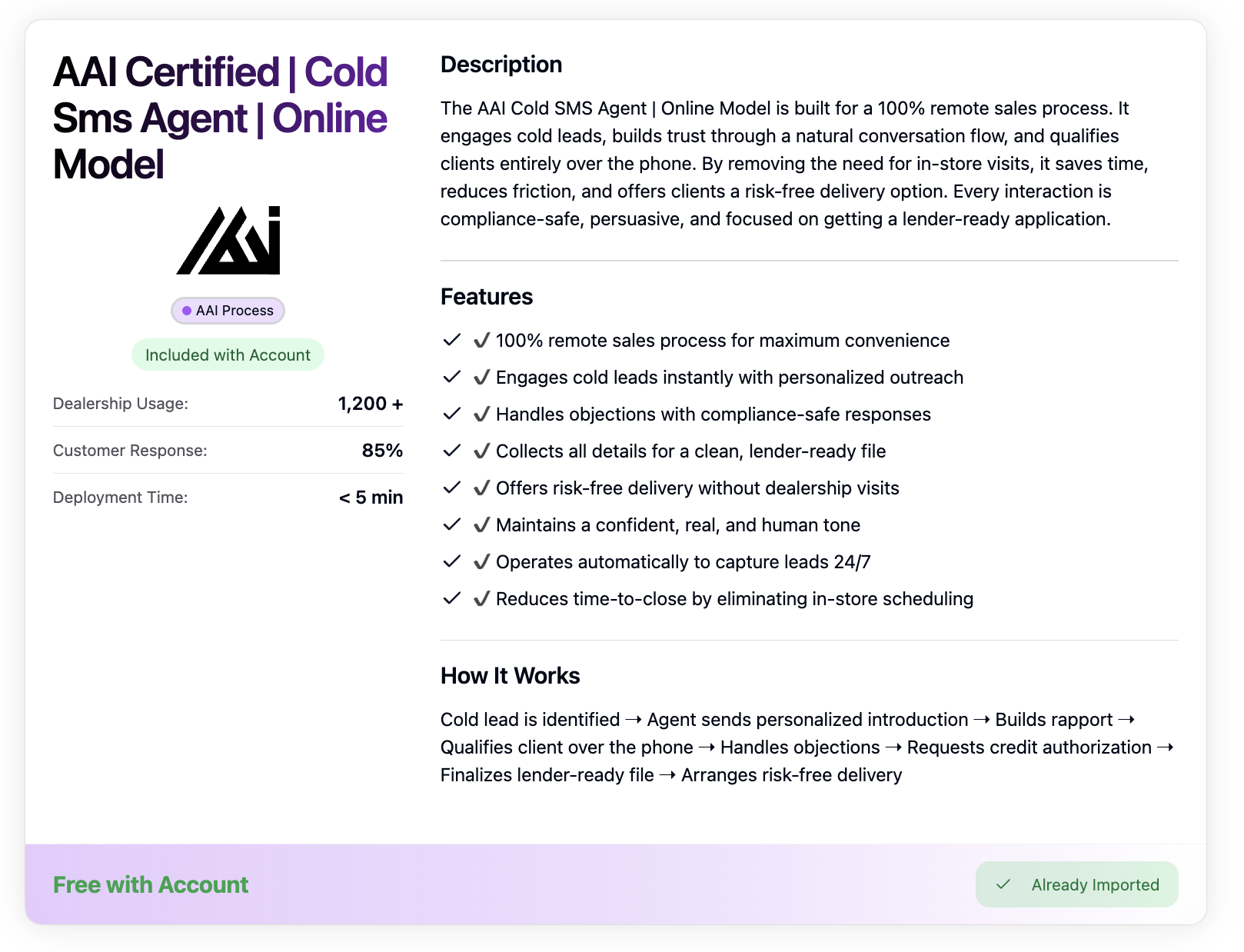
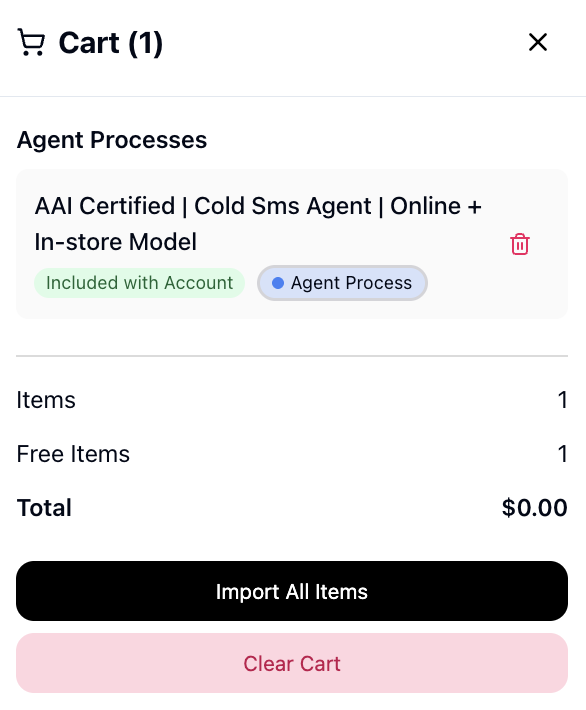
- Add items to cart or import directly if they’re included with your plan.
Browse the marketplace
Section titled “Browse the marketplace”Use the main tabs to switch between categories:
- Agent Processes: AI agent workflows for different customer scenarios (cold outreach, warm leads, script-based conversations)
- Agent Sentiments: AI-powered Agents built specifically for lead sources and processes
- SMS Templates: Pre-written message templates for common situations used in conversations
- Campaign Templates: Pre-written messages to engage fresh leads or old leads
- Scripts: Step-by-step conversation guides for your team
View item details
Section titled “View item details”- Click on any item to see full description, features, and pricing
- Check if the item is already imported or available for purchase
- Review features and how-it-works sections
Purchase or import
Section titled “Purchase or import”- Paid items: Add to cart, review, and complete purchase
- Included items: Import directly to your account
- Your own items: Manage pricing and availability
Manage your items
Section titled “Manage your items”- View imported tools in your account
- Unpublish items you’ve created
- Track usage and performance
Cart and purchasing
Section titled “Cart and purchasing”- Add multiple items to your cart before purchasing
- Review all items and total cost before checkout
- Some items may be included with your subscription plan
- Purchased items are immediately available in your account
Quality checks
Section titled “Quality checks”- Items are properly categorized and described
- Pricing is clear and accurate
- Features list is complete and relevant
- Import/purchase process works smoothly
Common issues + fixes
Section titled “Common issues + fixes”- Cart not working → Refresh the page and try adding items again
- Can’t publish items → Verify you have Admin permissions and all required fields are filled
- Payment issues → Contact billing support with transaction details
- Import failures → Contact support chat with error screenshots
- Publishing problems → Contact support chat with item details
Shortcuts/Links
Section titled “Shortcuts/Links”- Page: /marketplace
- URL: https://app.automotiveai.ca/marketplace
- Cart: Floating cart icon in bottom-right corner
Hotkeys
Section titled “Hotkeys”- command/control + K: marketplace
